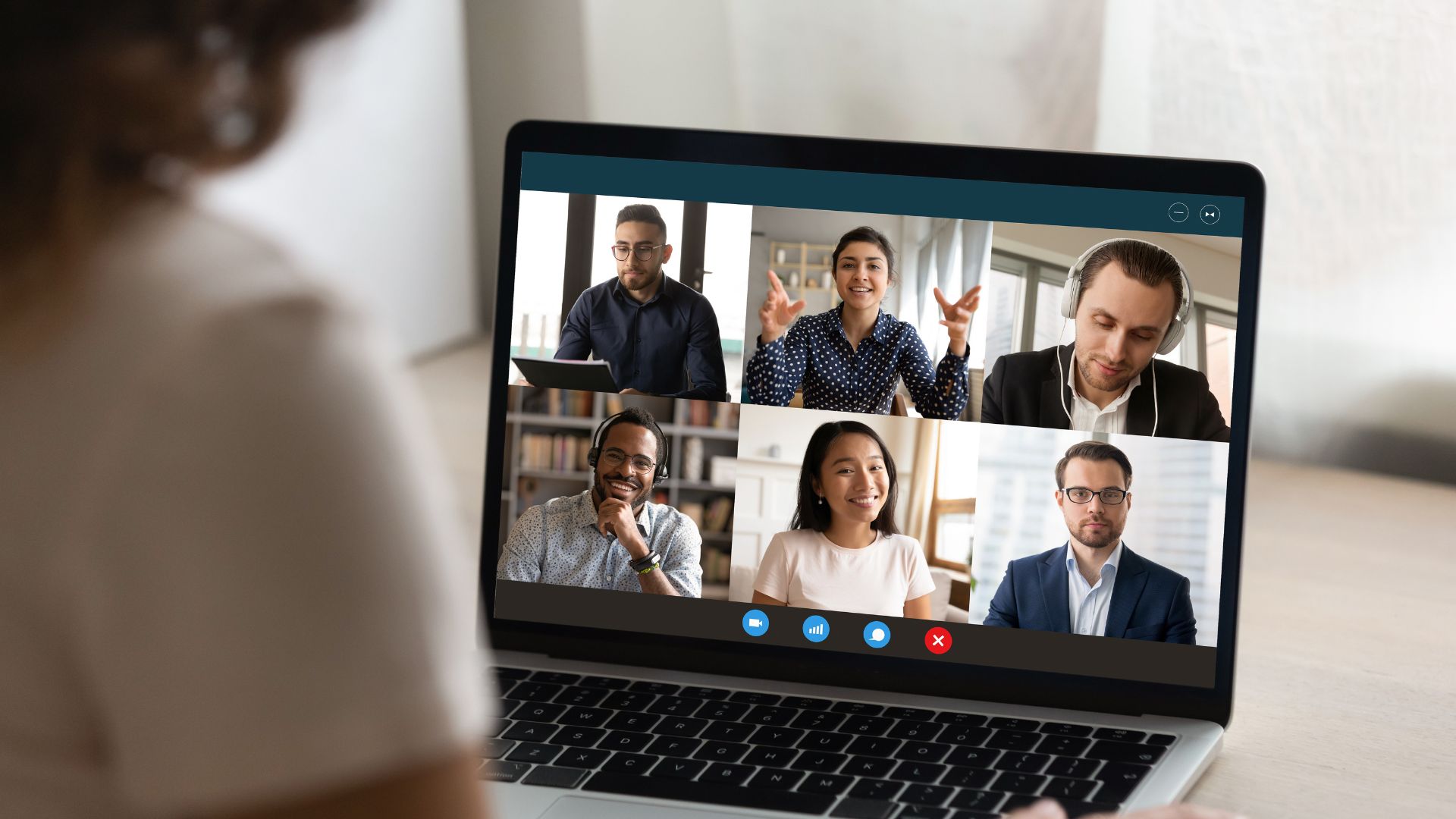
The hybrid workshop is one of the toughest challenges a modern facilitator faces. When half of your team is sitting together in a physical conference room sharing snacks and catching up, and the other half is staring at a wall of video boxes on a screen, an invisible divide forms. Without intentional planning, remote attendees quickly default to passive observers, while the in-person group dominates the conversation.
A study on remote work dynamics by Stanford University highlights this challenge, revealing that remote workers are 23% more likely to feel left out or overlooked during hybrid brainstorming sessions compared to their co-located peers.
To break down this wall and run a highly collaborative, equal-opportunity workshop, you need to shift your design strategy from "in-person with a Zoom link" to a true hybrid-first framework. Here are the practical strategies to make it happen.
Adopt a "Remote-First" Facilitation Rule
The simplest way to balance the room is to give your virtual attendees structural priority. When asking open-ended questions, gathering feedback, or starting a round-robin discussion, always call on your remote team members first. This forces the physical room to pause, listen, and tune into the speakers on the screen before the local group can feed off each other's immediate energy. It sets a clear standard from the opening minute: the digital voices carry the exact same weight as the physical ones.
Standardize the Canvas with Digital Whiteboards
If your in-person team is writing on a physical whiteboard while remote workers are watching through a distant wall-mounted camera, you have already lost them. Ban the physical markers. Instead, mandate that every single person—whether sitting in the corporate boardroom or at a home desk—uses the same cloud-based digital whiteboard (like Miro or Mural) on their own device. When everyone manipulates the same digital sticky notes and votes on the same screen, the physical distance completely evaporates.
Pair In-Person and Remote "Buddies"
Human connection is the best antidote to digital isolation. Before the workshop kicks off, pair each remote attendee with an in-person "buddy" who is sitting in the local conference room. The local buddy keeps an eye on the virtual chat box, flags when their partner has a hand raised to speak, and ensures they don't get left out of quick side-conversations that happen during breaks. This creates a direct, peer-to-peer bridge between both worlds.
Optimize Your Camera Sightlines and Microphones
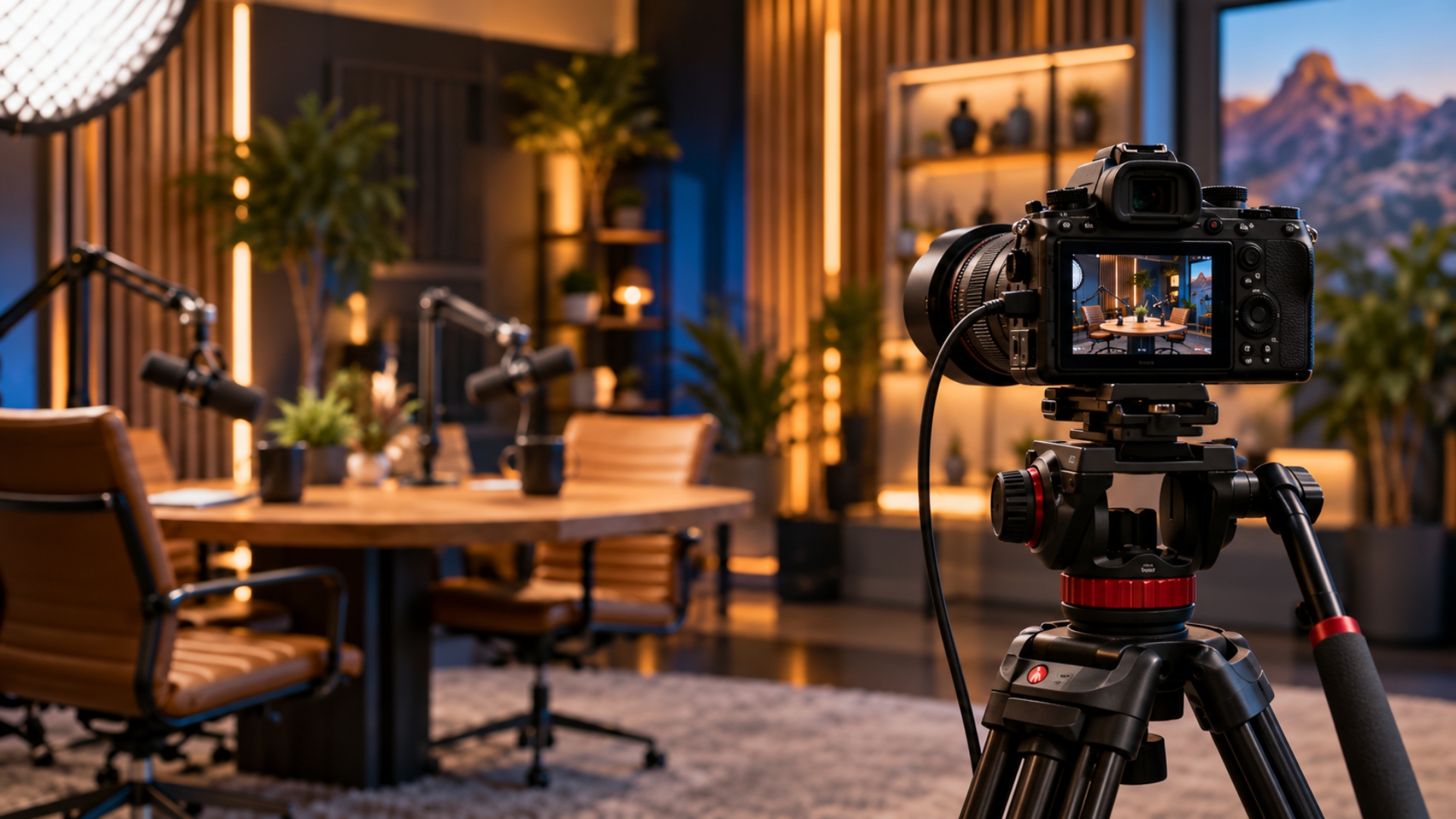
Tech friction is the fastest way to alienate a remote audience. If your room camera only captures the back of the facilitator's head or a wide, unreadable shot of a table, remote attendees will disengage. Use intelligent 360-degree meeting room cameras placed in the center of the table so virtual participants can see everyone's faces clearly. Additionally, ensure the room utilizes a multi-directional microphone array so that quiet comments or laughter from the back of the physical room are clearly audible online.
Design Independent, Cross-Pollinated Breakout Groups
When it is time for small-group exercises, don't just split the groups by location (e.g., "everyone in the room is Group A, everyone online is Group B"). Mix them up. Intentionally place two virtual attendees into a breakout room with two physical attendees. Have the local attendees bring a laptop to a quiet corner of the office so they can collaborate closely with their remote group members. This prevents an "us vs. them" mentality and keeps the collective team culture unified.
At NextSpace, our environments are purpose-built to completely dissolve the distance between your remote team and your in-person attendees. If you are planning a hybrid workshop or event here in Scottsdale, NextSpace provides the seamless tech and collaborative layout your team needs to truly feel connected as one.